Stream Deck + Plugin for Reason
Reason Remote
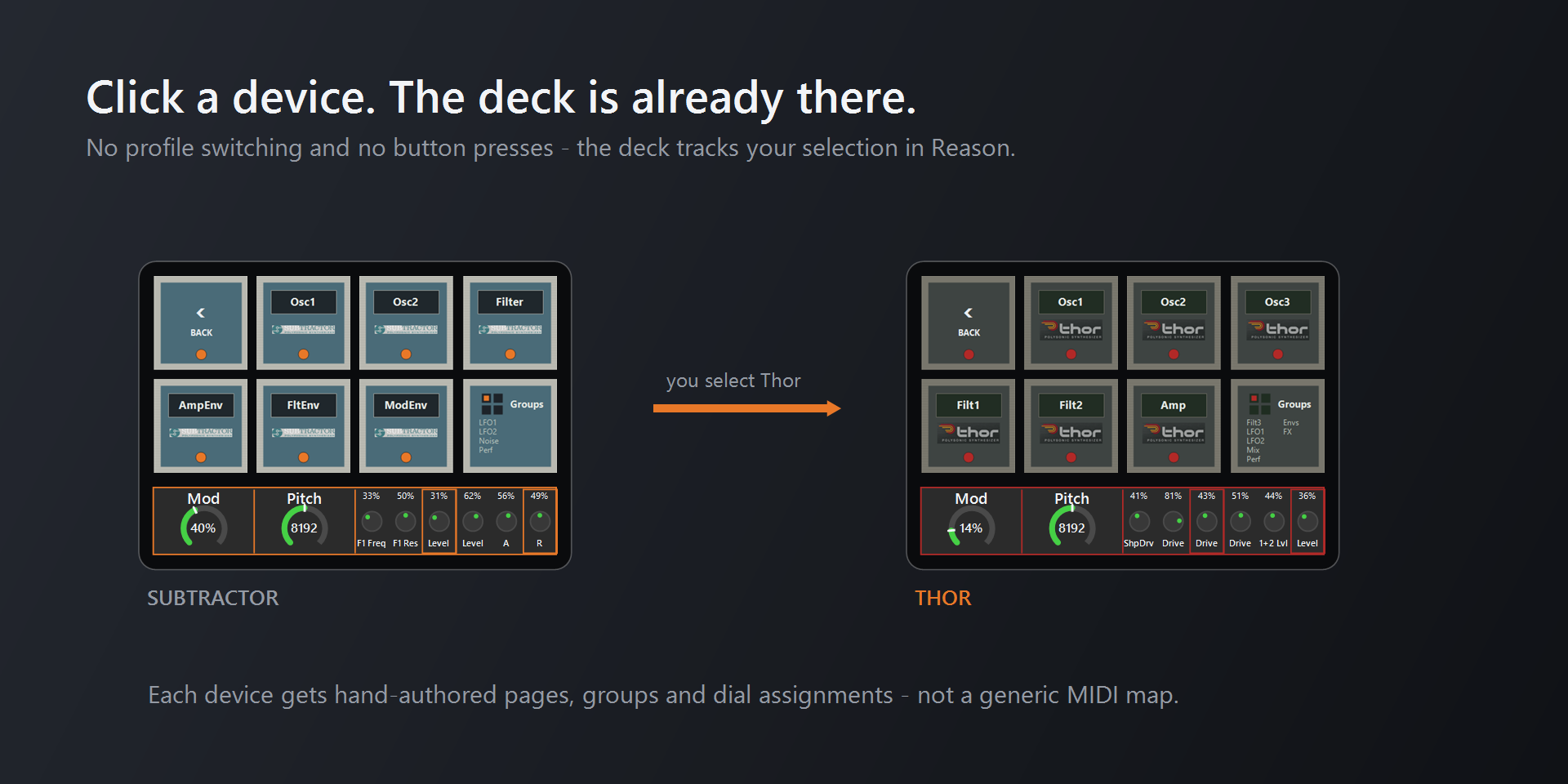
Your Stream Deck + follows the device you select in Reason. Click a Thor and the dials become Thor's oscillators, filters, and envelopes. Click a SubTractor and the deck switches again. No profile switching, no button presses.
Overview
Reason Remote is an Automate Pros product built on the Elgato Stream Deck SDK and the Reason Remote protocol. Selecting a device in Reason moves the Stream Deck + to that instrument's own page set, so the eight keys and four dials always match whatever is in front of you. It ships as a TypeScript plugin, a Lua Remote codec, and a set of generated hardware profiles, on the Elgato Marketplace in two editions: the full version and a free Lite edition. Setup, the user guide, and both downloads live at reasonremote.com.
Automatic Page Switching
The Remote codec emits an identity message whenever the selected device changes. The plugin reads it and switches the deck to the matching profile, with no user interaction at all.
Hand-Authored Pages
Every instrument gets pages, groups, and dial assignments authored from its real remotable parameters, rather than a generic MIDI map that ignores what each device actually does.
Two-Way Feedback
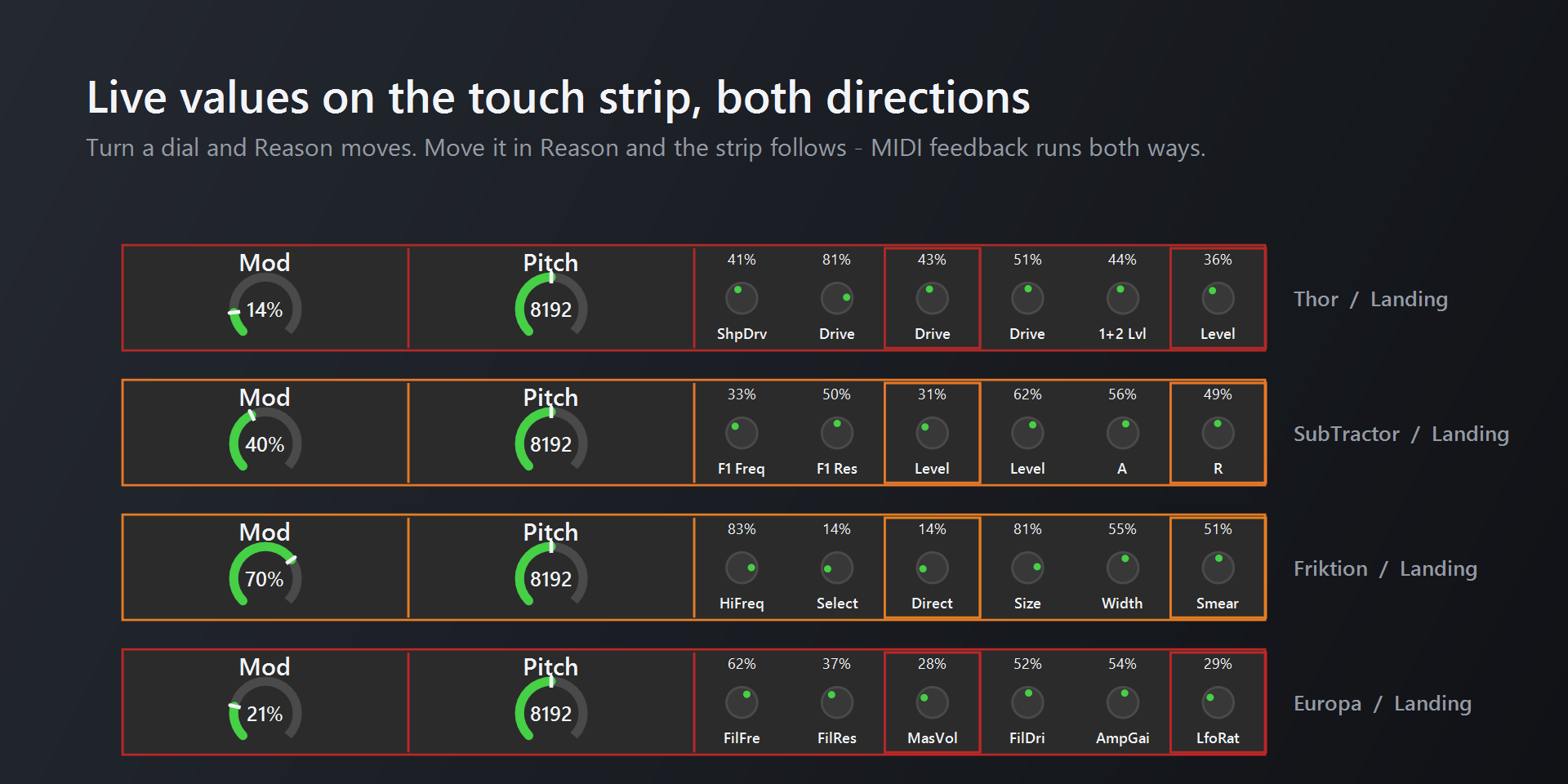
Turn a dial and Reason responds. Move the same control inside Reason and the touch strip updates to match, so the hardware never drifts out of sync with the project.
The Challenge
Reason does not tell anything outside itself which device is selected, and a Stream Deck plugin can only switch to profiles it ships with. The bridge is indirect: a Lua codec inside Reason watches which device has focus and sends a small identity message over a virtual MIDI port, and the plugin turns that into a switch to the matching bundled page.
That constraint shapes the whole architecture. Profiles have to be bundled with the plugin rather than authored by the user, which means the layouts for every supported instrument are generated ahead of time from a single source of truth and packaged with the plugin.
Twenty-Six Instruments, And Growing
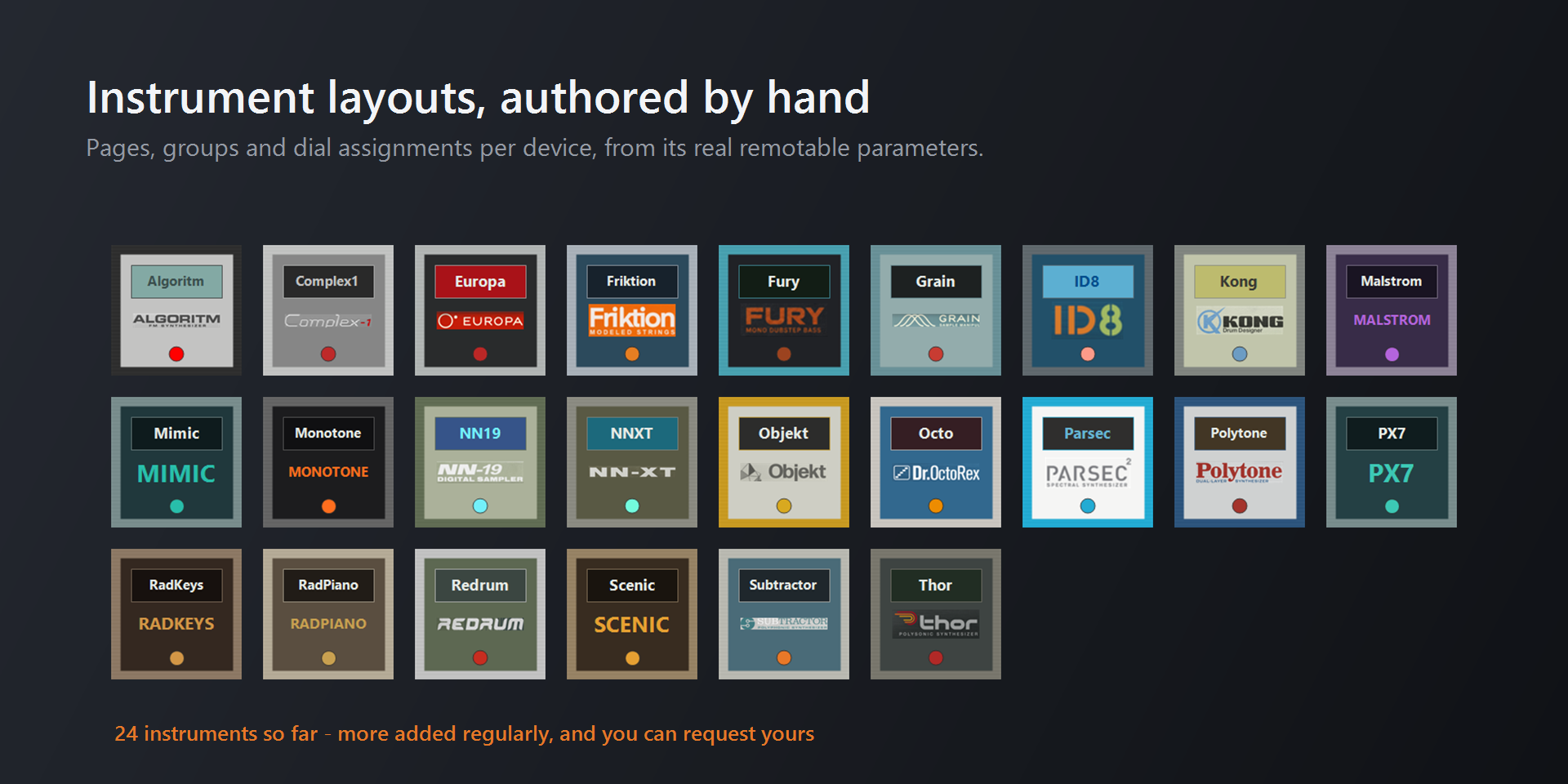
Twenty-six Reason instruments are covered so far, each with its own pages, grouping, colour theme, and dial assignments derived from that device's remotable parameter list. Thor, SubTractor, Europa, Malstrom, Kong, Redrum, Grain, Complex-1, Humana, the Umpfs and the samplers are all covered, along with plenty more. The free Lite edition covers seven of them, including every instrument in Reason Free.
This is not the complete Reason device list, and it is not meant to be a fixed set. Authoring a pack is deliberate work per device, so the collection started with the instruments people reach for most and keeps expanding. New instruments are added regularly, and you can request the one you want in Discussions.
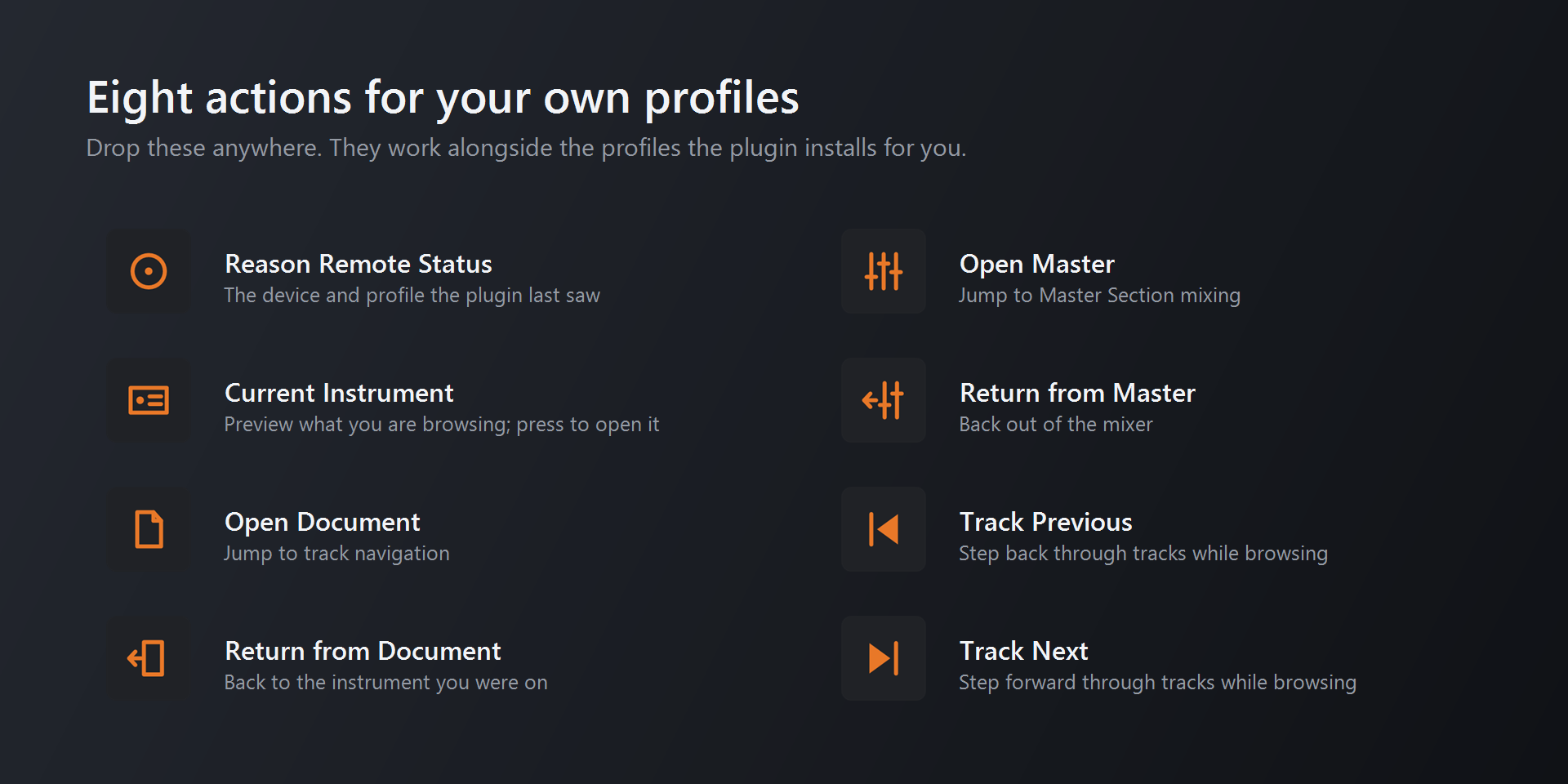
Alongside the instruments there is a Document page for transport and track navigation, a piano for playing the selected track from the keys and touch strip, and a Master Section mixer. The mixer runs on a second Reason surface locked to the Master Section, so it stays available while an instrument page is in front of you.
How It Is Built
TypeScript Plugin
A Node plugin on the Elgato Stream Deck SDK resolves the incoming identity to a bundled profile and drives the switch. It also draws its own dials, mixer strips and piano, so no other plugin is needed.
Lua Remote Codec
A Reason Remote codec maps each device's parameters and reports selection changes, assembled from source fragments and syntax-checked as part of the build.
Generated Profiles
Hardware profiles and all key artwork are generated from per-instrument definitions, so a layout change is a data edit and a rebuild rather than hand-editing binaries.
One-Command Release
A single command versions, builds, tests, validates against Elgato's rules, packages the installer, and renders the store listing media.
What You Need To Run It
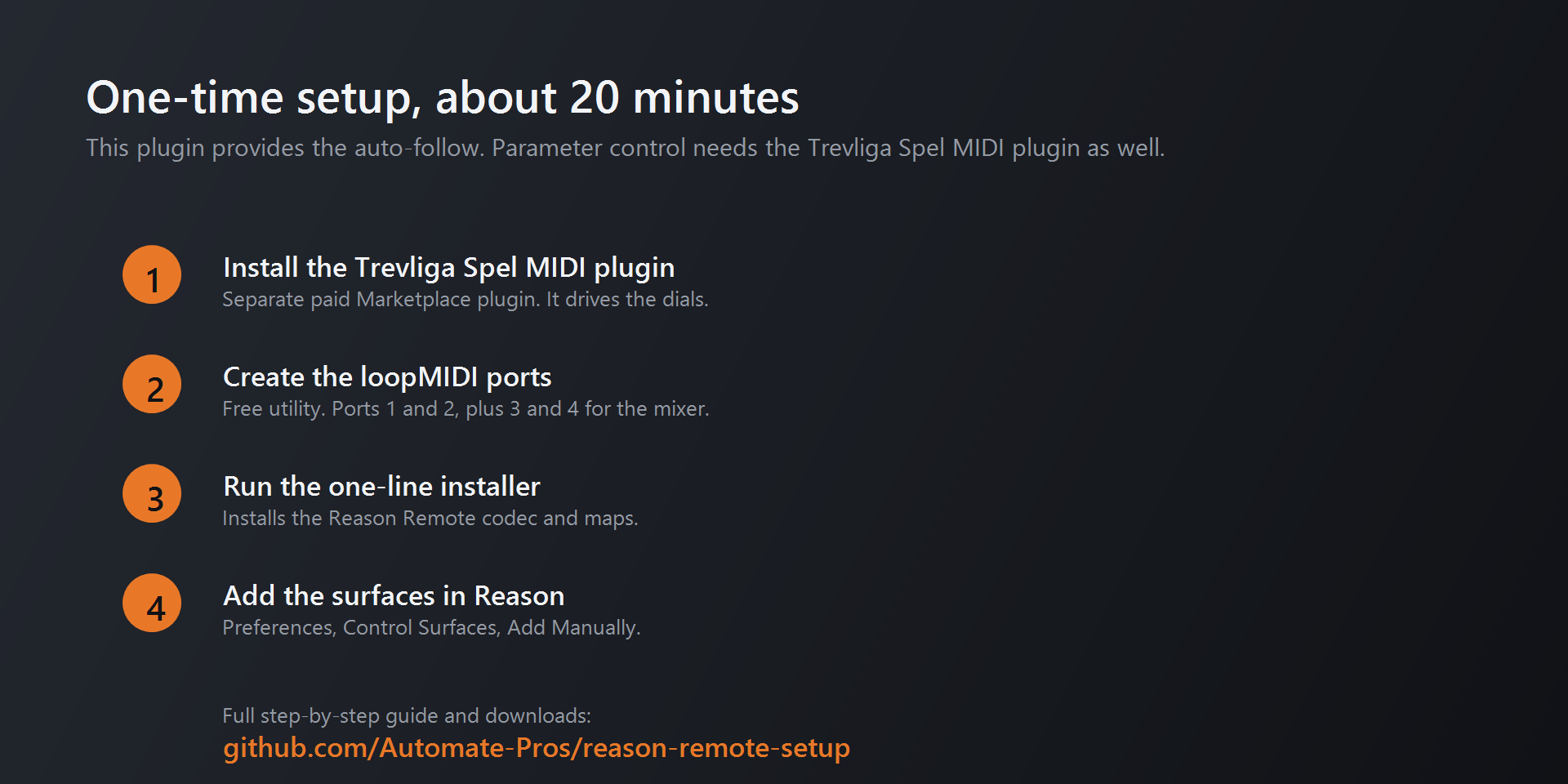
The plugin needs an Elgato Stream Deck + and Windows 10 or later, with Stream Deck software 6.9 or newer and Reason 12 or newer (or Reason Recon). Setup takes about twenty minutes and happens once: install the plugin from the Elgato Marketplace, run a single PowerShell command that installs the Remote codec, creates the virtual MIDI ports and registers the surfaces in Reason, then restart Reason and lock the Master surface.
Nothing else to install and nothing else to buy. The dials, keys, mixer and piano are all part of the plugin, in both editions.
Build Something Like This
Automate Pros builds Stream Deck plugins, MIDI and control surface integrations, and the generation pipelines that keep large sets of device layouts consistent. If you have hardware that should be driving your software, or a manual workflow that would be better as a single key press, we would like to hear about it.
Reason and all Reason device names are trademarks of Reason Studios AB. Stream Deck and Elgato are trademarks of Corsair Memory, Inc. This project is not affiliated with, endorsed by, or sponsored by either company.